Console
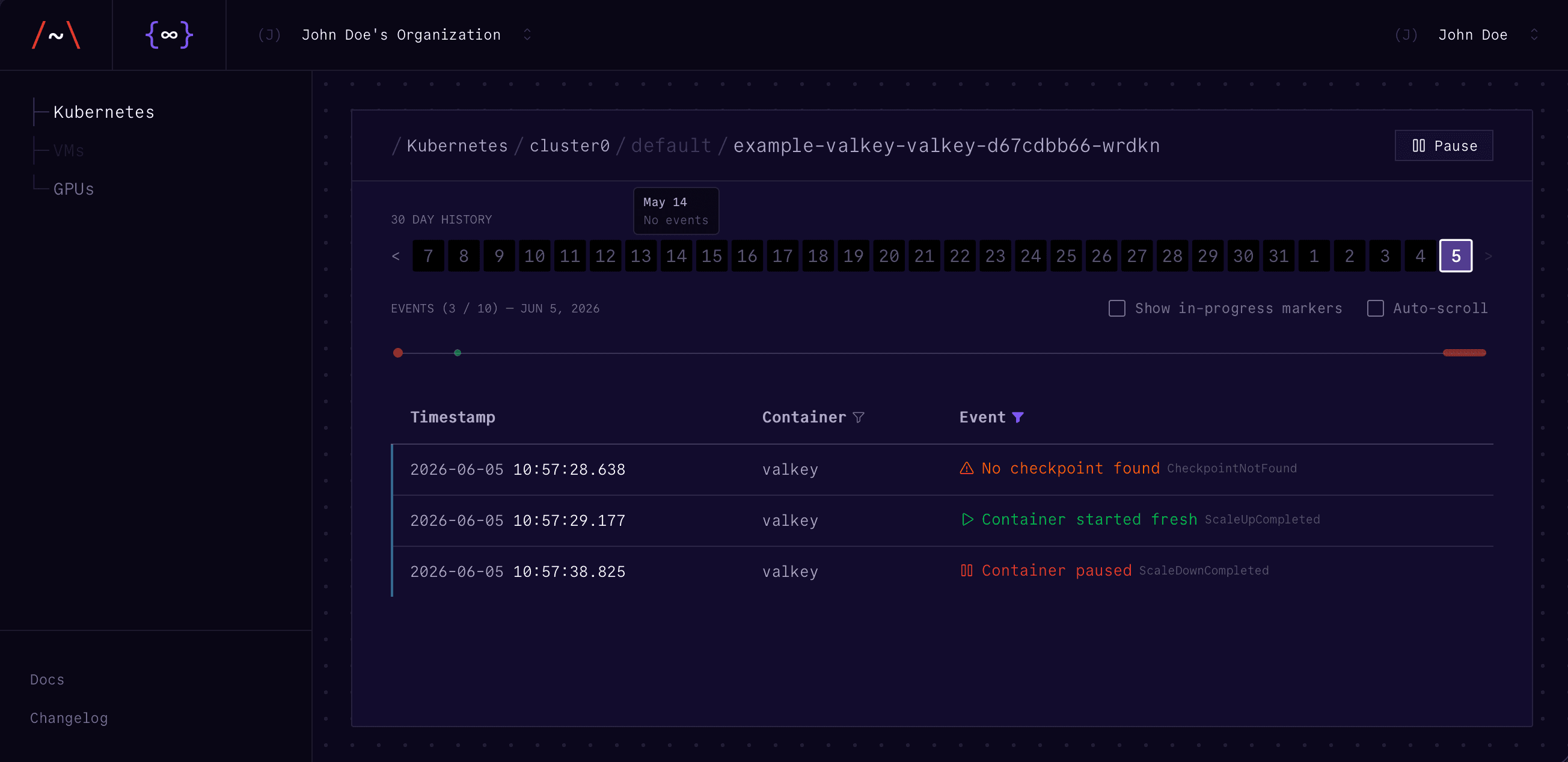
The Architect Console provides a dashboard for monitoring hibernation across your clusters:
- Per-pod event history (scale up, scale down, migration) over the last 30 days
- Live event stream with real-time updates
- Event timing breakdowns for diagnosing slow checkpoints or restores
Status Labels
Architect labels each managed container with its state:
kubectl get pods -l status.architect.loopholelabs.io/<container-name>=SCALED_DOWNValues: RUNNING or SCALED_DOWN.
List all hibernated pods:
kubectl get pods -o json | jq '
  .items[]
  | select(
      .metadata.labels
      | to_entries[]
      | select(.key | startswith("status.architect.loopholelabs.io/"))
      | .value == "SCALED_DOWN"
    )
  | .metadata.name'
Resource Tracking
Architect stores original resource requests in annotations before reducing them to zero:
kubectl get pod <pod-name> \
  -o jsonpath='{.metadata.annotations.architect\.loopholelabs\.io/cpu-requests}'
# {"container-name":"250m"}

kubectl get pod <pod-name> \
  -o jsonpath='{.metadata.annotations.architect\.loopholelabs\.io/memory-requests}'
# {"container-name":"6Gi"}
Resource Usage
Compare actual vs provisioned resources:
kubectl get pods -o custom-columns=\
NAME:.metadata.name,\
CPU:.spec.containers[0].resources.requests.cpu,\
MEMORY:.spec.containers[0].resources.requests.memory
On Kubernetes 1.33+ with metrics-server installed, you can also use
kubectl top pods to compare actual usage against requests.
Logs
kubectl logs -n architect -l app.kubernetes.io/name=architectd --tail=100
kubectl logs -n architect -l app.kubernetes.io/name=architect-admission-controller --tail=100
kubectl logs -n architect -l app.kubernetes.io/name=architectd | grep <pod-name>